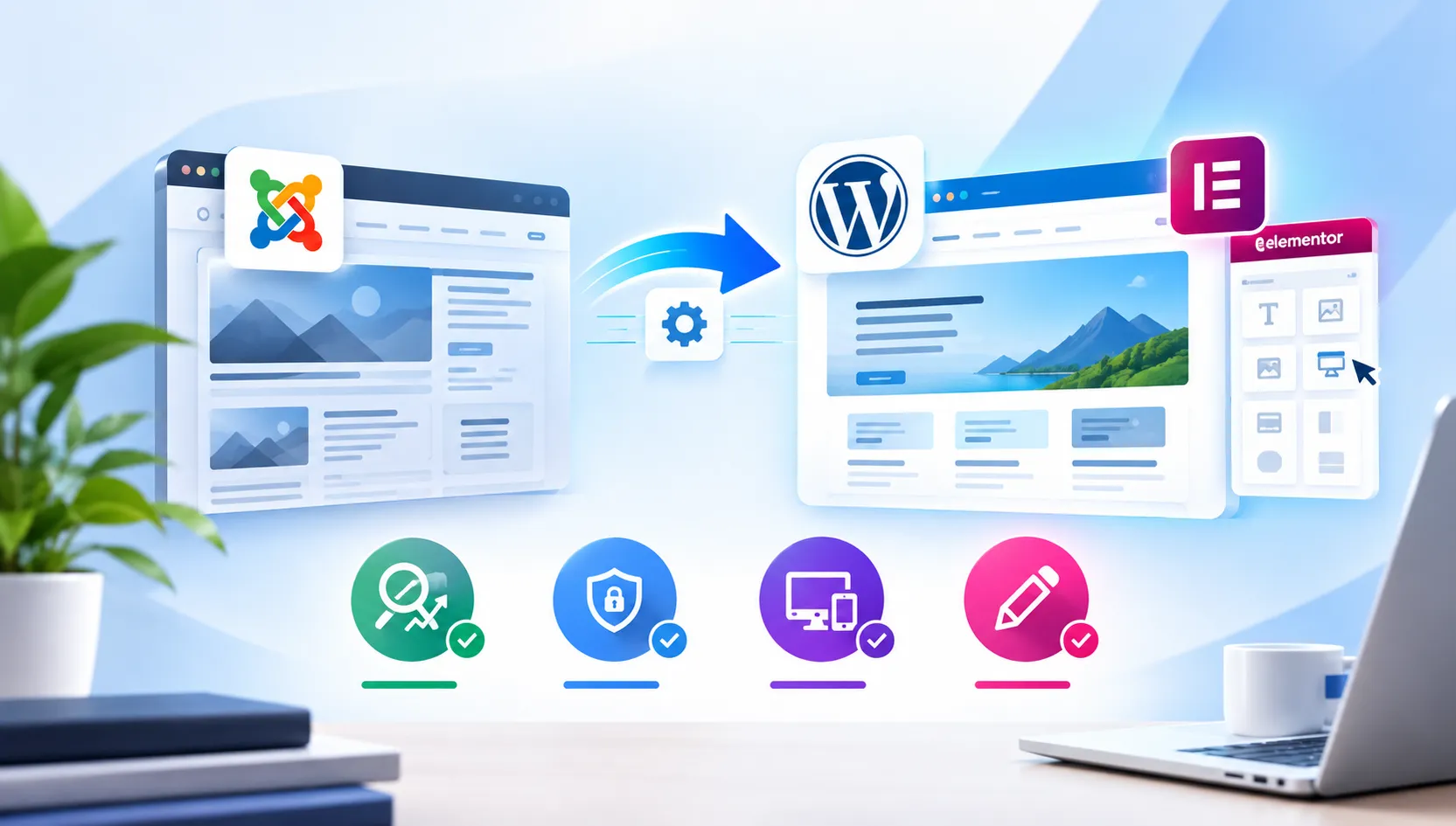
Joomla to WordPress Migration with Zero SEO Loss and Full Elementor Editing
We migrated a decade-old Joomla platform, built with three page builders, to WordPress and Elementor. Every page stayed pixel-identical, every legacy URL kept working, and content editing moved from developers to the content team.
- Service
- CMS migration & WordPress engineering
- Platform
- Joomla 5 → WordPress 7
- Editing
- Elementor (free)
- Scope
- Architecture, development, QA, deployment
RESULTS AT A GLANCE
Every figure comes from automated tests run against the production site.
THE CHALLENGE
The site depended on organic search traffic that had built up over many years. Any change to URLs, metadata or layout put revenue at risk. Content changes still needed a developer, because pages were built with two different Joomla page builders and hand-written HTML.
The business needed a modern, maintainable platform that the team could edit on its own, without any visible change for visitors or search engines.
Requirements
- Pixel-identical rendering on every page and breakpoint
- Every legacy URL, title, meta tag, canonical and feed preserved
- Visual editing for non-technical editors
- Years of comments and ratings kept, read-only
Constraints
- No paid plugins or recurring licenses
- No content loss from the staging environment the team was using
- Every change approved first, and reversible
- Zero-downtime cut-over, with a rollback path
SOLUTION ARCHITECTURE
One purpose-built migration layer instead of a stack of third-party plugins.
- Baseline captureEvery public URL was crawled and rendered, and its head data stored, as the reference for all later comparisons.
- Migration bridge pluginA single must-use plugin holds the importer, the URL router, the head-tag printer, the content converters and the read-only renderers, alongside a lightweight port of the original theme.
- Repeatable import pipelineA WP-CLI command rebuilds the whole site from the source database, so every fix ships as code and is fully reproducible.
- Automated verificationA visual, SEO and functional test suite runs after every change set, with restore points taken before each change.
- Staging data reconciliationThe staging database was compared table by table against the build, and only genuine team changes were carried into the release.
- Versioned release packagesEach environment gets a checksummed package, a concise deployment runbook, and a final production content sync before cut-over.
INSIDE THE MIGRATION PLUGIN
A modular WordPress must-use plugin built for this migration.
Why a must-use plugin: it loads before regular plugins and themes, and it can't be turned off or removed by mistake from wp-admin. So routing, SEO output and content rendering stay protected, with no plugin sprawl and no license dependency.
Rebuilds posts, taxonomies, menus, widgets, users and comments from the Joomla database through WP-CLI.
Resolves every legacy URL form to its original response: 200, 301 or 404.
Outputs per-page titles, meta, Open Graph and canonical tags, plus page assets in their original load order.
Turns legacy HTML into native Elementor widgets while keeping the original attributes and styling.
Adds legacy images to the Media Library in place, with URLs unchanged and files protected from deletion.
A visual admin editor with preview, publish, undo and restore, producing byte-identical slider markup.
Show historic comments and ratings with their original structure and pagination.
Search engines are blocked on non-production hosts, and the plugin cleans up after core updates and protects files.
TECHNICAL CHALLENGES AND RESOLUTIONS
The issues that typically block a pixel-perfect, SEO-safe CMS migration.
Converting legacy page-builder HTML into native Elementor widgets
Imported content would have landed as raw HTML blocks that editors cannot edit visually.
A strict HTML-tree parser maps content to Heading, Text, Image, Video and Container widgets. The original attributes are kept and re-rendered, so the existing CSS keeps working without changes.
Keeping page-builder CSS from changing legacy layouts
Elementor's default container styles shifted the existing layouts by several pixels.
The builder CSS is placed in a CSS cascade layer (@layer), so theme styles always win without !important. Wrapper elements use display: contents on the front end.
Safe fallbacks for complex layouts
A few complex pages render differently once they're split into widgets.
Each page gets a conversion depth: full widgets, a top-level split, or a single block. The deepest pixel-identical level is chosen automatically and stored with a content hash, so the result is the same on every run.
SEO-safe URL preservation and 301 redirect mapping
Hundreds of indexed URL forms, including menu paths, query-string routes, category prefixes and trailing-slash variants.
A route table built from the source data and a full crawl reproduces each original response (200, 301 or 404). Renaming a page in WordPress creates a 301 redirect automatically.
Matching the original asset loading order
The source CMS loaded component stylesheets before the template CSS. Changing that order moved icons by 2px.
Per-page head data was captured, and stylesheets and scripts are output in the original order.
Media Library integration without changing image URLs
Hundreds of indexed images in a legacy directory. A standard import would copy and rename them.
Images are registered in the Media Library in place, with no duplication or re-encoding, and a delete guard protects the legacy directory.
Replacing premium extensions with lightweight custom code
A premium slider and a comments component had no free WordPress equivalent with identical output.
A compact admin slider editor (preview, publish, undo, restore) generates byte-identical markup. Comments and ratings render read-only with their original structure and pagination.
Security headers blocking the visual editor
The Elementor editor preview failed in the staging environment. Conflicting X-Frame-Options values were being sent, and browsers resolve those to DENY.
Response headers were added to the deployment checks, with Content-Security-Policy: frame-ancestors 'self' as a standards-based fallback.
QUALITY ASSURANCE AND TESTING
Visual and SEO parity were measured by automated tests, not judged by eye.
| Area | Method |
|---|---|
| Visual regression | Playwright screenshot diffs of every URL at 1366px and 390px, with dynamic elements frozen |
| SEO parity | Status codes, titles, meta tags, Open Graph, canonicals and feeds compared with production |
| Redirect integrity | Every historic URL form checked against its original response |
| Editor reliability | Every page opened in the live builder: widgets counted, JavaScript errors logged, state restored |
| Admin workflows | 85 end-to-end browser scenarios covering posts, menus, URLs and the slider, each cleaning up its own test data |
| Asset integrity | Internal links, images, Media Library coverage, missing resources, and JavaScript errors that only the new site has |
ENGINEERING DECISIONS AND TRADE-OFFS
The key decisions and the reasoning behind them.
Generic import tools can't guarantee identical output. One focused plugin gave full control and no license dependency.
Conversion depth is chosen per page, so editability never comes at the cost of visual parity.
Comments and ratings were preserved for SEO and trust value, without keeping heavy interactive components.
Every fix lives in the import pipeline, so a final production sync is a re-run, not a repeat of manual work.
KEY TAKEAWAYS
Practices that made this migration predictable and low-risk.
Full-site screenshot comparison at multiple breakpoints catches shifts that manual review misses.
Isolating builder styles keeps legacy designs intact while editors gain visual tools.
A route table built from source data protects search rankings better than pattern-based redirects.
Media Library features with every indexed image URL unchanged.
Server-level security headers can break builder editors and need checking on every host.
Comparing staging against the release before replacing it means no team work is lost.
TECHNOLOGY STACK
Planning a CMS migration?
We move complex websites to WordPress without losing rankings, design or content, and we prove it with automated tests.
Discuss your project