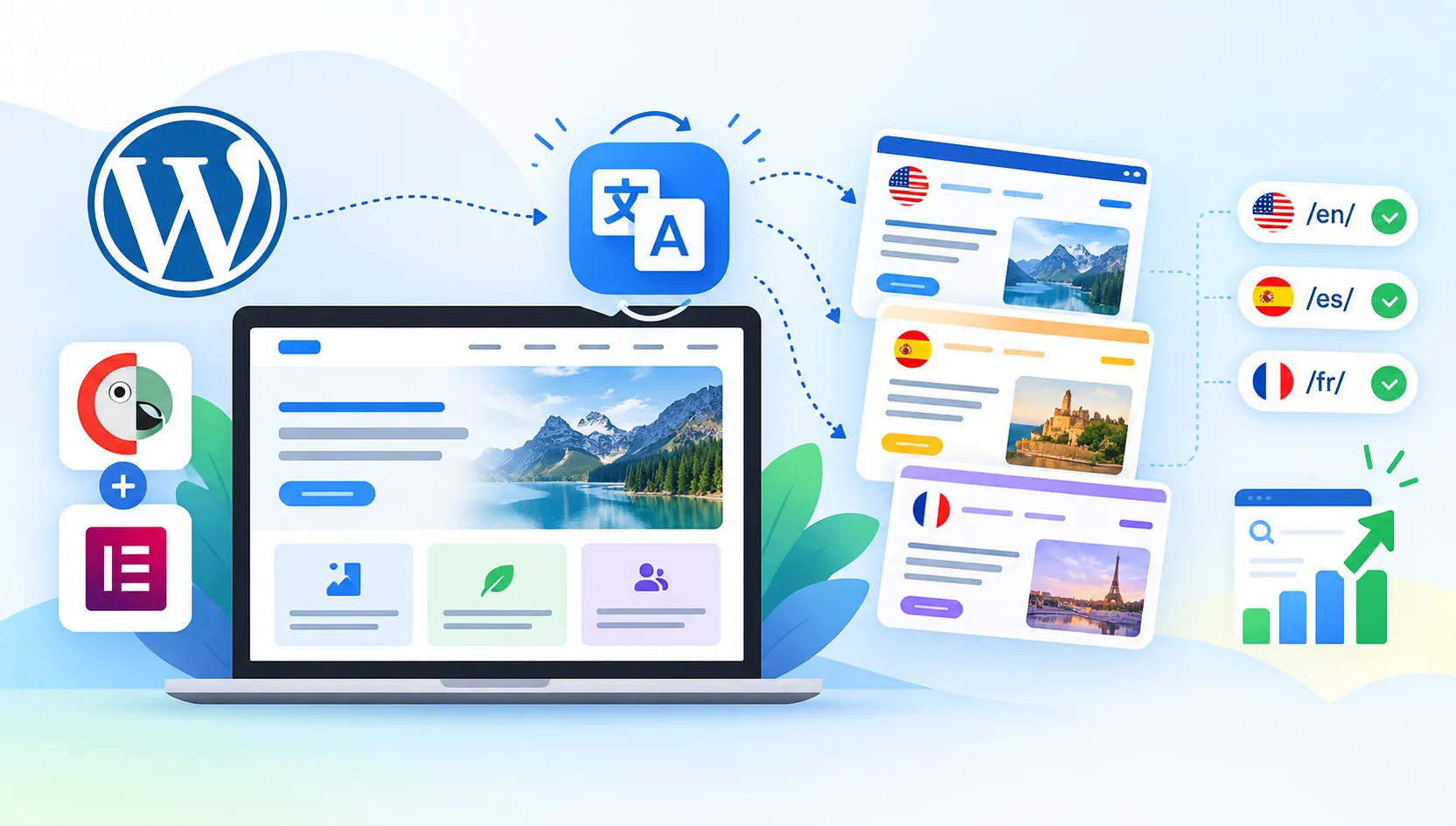
Building a WordPress Multilingual System
A custom WordPress plugin layered on top of Polylang that auto-translates entire Elementor pages, site templates, and blog posts — while keeping URLs SEO-clean in every language.
- Live Languages
- EN · ES · ZH (Any Polylang lang)
- Pipelines
- 3 Independent Pipelines
- Scale
- ~160 Translated Pages & Posts
- Scope
- Custom Plugin · 5,300 Lines · 17 Classes
01 — THE BRIEF
A one-language site that needed to speak to the world
A parental-monitoring SaaS website built in WordPress with Elementor and OceanWP had grown to 70+ pages and 180+ blog posts — all in English. The business wanted Spanish and Chinese versions that rank in Google, without hiring translators or rebuilding every page by hand.
Polylang links translations together, but every page still has to be duplicated, rebuilt and translated manually — including Elementor layouts, headers, footers and mega menus.
Elementor stores pages as nested JSON full of settings, colours and IDs. Sending all of it to a translator breaks layouts — only real visible text may be translated.
Translated URLs needed native-language slugs, correct hreflang and canonical tags, and no duplicate or conflicting tags from Polylang and Yoast.
The people running the site needed to translate, re-translate and add languages with a click — not by editing code or database rows.
02 — THE ARCHITECTURE
Three independent pipelines, one system
The plugin sits on top of Polylang and uses Google Translate — with a second, backup engine — to translate content. Each type of content has its own pipeline — what fits a page doesn't fit a blog post or a menu.
Home, pricing, features, trackers. Duplicated as real Polylang-linked WordPress pages — translation is permanent in the DB.
OceanWP header & footer templates, Elementor library items, navigation and mega menus. Swapped per language at runtime.
Post title, content, excerpt, Yoast SEO fields, categories, and tags — all translated and Polylang-linked.
03 — RUNTIME: THE VISITOR FLOW
What happens when someone visits a translated URL
Every non-English request runs through five stages — language detection, content lookup, template swap, SEO injection, and output-buffer URL rewriting — inside one normal WordPress page load.
- 1 · Request & Language DetectionVisitor hits translated URL (e.g.
/es/precios/) → Polylang detects current language. - 2 · Content Verification & LookupChecks if content exists in this language. If yes, loads translated page/post from database. If missing, Smart 404 Fallback routes via 301 redirect to valid URL.
- 3 · Template SwitcherDynamic runtime template filter swaps header, footer, navigation and mega menus to match the active language.
- 4 · SEO Handler InjectionSuppresses conflicting third-party tags and outputs clean hreflang (including x-default) and self-referencing canonical tags.
- 5 · Output-Buffer URL Rewriter (ob_start)Intercepts final HTML output and rewrites all internal URLs (both absolute and relative) to the target language via self-healing cache.
04 — ADMIN: THE ONE-CLICK TRANSLATION UI
How an admin translates a page
The plugin adds a Translations menu in WordPress admin. Every page row gets its own Translate button. Clicking it opens a popup where the admin can pick one, several, or all languages at once — the plugin translates the page into every selected language in sequence, with live progress.
Admin Steps
- Open Translations dashboard: Stats show Translated / Pending / Total. A Translate button is added to every pending page row.
- Click “Translate” on any page: A popup appears showing the page name and checklist of all configured Polylang languages.
- Pick languages → Confirm: Tick one, several, or all languages. Click Translate and a live progress bar runs inside the popup.
Behind the Scenes (per language picked)
- Duplicate EN post into new DB row
- Polylang-link source and translation IDs
- Copy and sanitize Elementor JSON structure
- Batch-translate strings via Google API
- Regenerate page-specific Elementor CSS
- Translate Yoast SEO title, desc & meta
- Set translated slug (curated map for ES, auto for others)
- Purge URL-map cache automatically
05 — WHAT MAKES IT POWERFUL
Six things worth noting that separate a working translation plugin from a production-grade multilingual system.
Sends only real text to Google Translate — skips Elementor keys like _type, _size, ha_*, colors, and code. If one Google endpoint is blocked, translation switches to a second one.
Curated Spanish slug map (76 entries) drives human-readable URLs like pricing → precios. All other languages auto-translate + sanitize the slug.
Correct hreflang, x-default, and self-referencing canonical on every page. Polylang's and Yoast's conflicting tags are actively suppressed.
Three chained handlers at template_redirect: language-mismatch redirect, EN fallback, bare-slug → /blog/ recovery. Always a single 301 — never a redirect chain.
Output-buffer rewrites every internal URL. Covers absolute AND relative href's (/signup/ → /es/crear-cuenta/). Auto-purges on save / delete / trash.
Headers, footers, nav menus, and mega menus swap per language via OceanWP/Elementor filters. The rest of the theme never knows the difference.
06 — CHALLENGES & SOLUTIONS
Real issues from building and running the system in production — and how we solved them.
Google blocked the server's IP mid-project
The free Google Translate endpoint started answering every request with a CAPTCHA page, so new translations silently failed.
Translation was moved to a second Google endpoint that the block didn't affect. The original engine stays in the code as a switchable fallback, so the site never lost translation.
Translating Elementor broke layouts
Elementor's JSON mixes visible text with settings, colours, CSS and widget IDs.
A skip-list of non-text keys (including all Happy Addons ha_* settings), then Elementor CSS is regenerated for every translated page.
Duplicate and conflicting SEO tags
Polylang and Yoast each printed their own hreflang and canonical tags, which disagreed.
Both are suppressed and one SEO handler prints a single, correct set — every canonical and hreflang points to a live 200 URL.
Hard-coded English links inside translated pages
Buttons and links in Elementor pointed to English URLs like /signup/.
An output-buffer link rewriter swaps every internal link (absolute and relative) to the right language, using a cached URL map that rebuilds itself on save, delete and trash.
Old language URLs left 404s in Google
Languages that were tested and later removed left old /xx/… URLs in Google's index.
A fallback that sends each old URL to its English equivalent (or the home page) with a single 301. URLs that never existed in any language still return an honest 404.
07 — WHY IT MATTERS (BENEFITS FOR THE TEAM)
What the system makes easy
Under the hood it's Polylang + Google Translate + Elementor. For the person running the site day-to-day, it delivers effortless operations.
Write content in English only. Every other language is generated automatically — no copy-pasting into translation tools, no outside agencies, no spreadsheets to reconcile.
Change the Spanish homepage headline without touching French, German, or Chinese. Each language is its own real WordPress page — open it in Elementor and edit directly.
Need a different hero image for Arabic? A different CTA wording for Chinese? Each translated page is fully editable in Elementor — the change applies only to that language.
Create the language in Polylang, open the Translations menu once — header, footer and menus are auto-created. Then bulk-translate every page via one popup.
08 — THE IMPACT & RESULTS
Measured in coverage, correctness, and day-to-day admin effort. Live languages: English, Spanish and Chinese — any other Polylang language can be added without code changes.
- Full Elementor page translations — home, pricing, features, tracker pages, legal pages.
- Template-level translations — headers, footers, menus, mega menus switch per language automatically.
- Correct SEO signals — every canonical and hreflang resolves to a 200 URL, never a redirect chain.
- One-click admin workflow — Translate, Re-translate, Bulk translate, Flush Cache, Repair Links.
BUILT TO SCALE. BUILT TO BE MAINTAINED.
A multilingual WordPress system that an admin can run day-to-day, and an engineer can extend without fear. No manual slug fixes. No stale URL caches. No manual redirect cleanup.
Admin Day-to-Day
- Edit an English page → click Re-translate
- Edit a blog post → open Blog Translator → click Re-translate
- Deploy new plugin code → click Flush URL Cache once
- Add a new language → create it in Polylang → plugin auto-creates header/footer/menu on first admin visit
TECHNOLOGY STACK
Planning a Multilingual WordPress System?
We build automated translation architectures for complex Elementor websites that preserve SEO, speed, and design integrity without ongoing translation costs.
Discuss your project